Asset Map
About
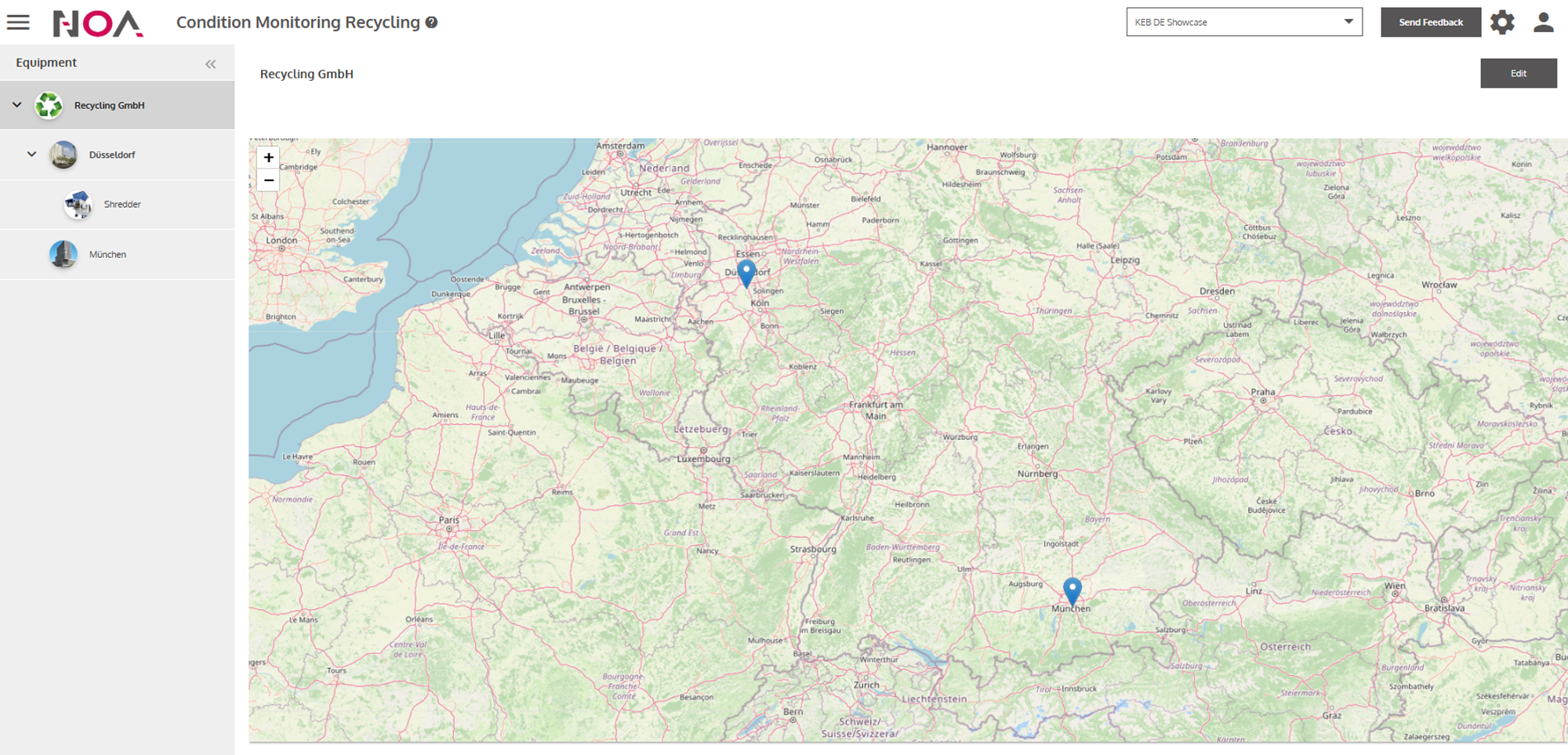
This Tile displays the position of your Assets on a world map.
Example
Edit Asset Map
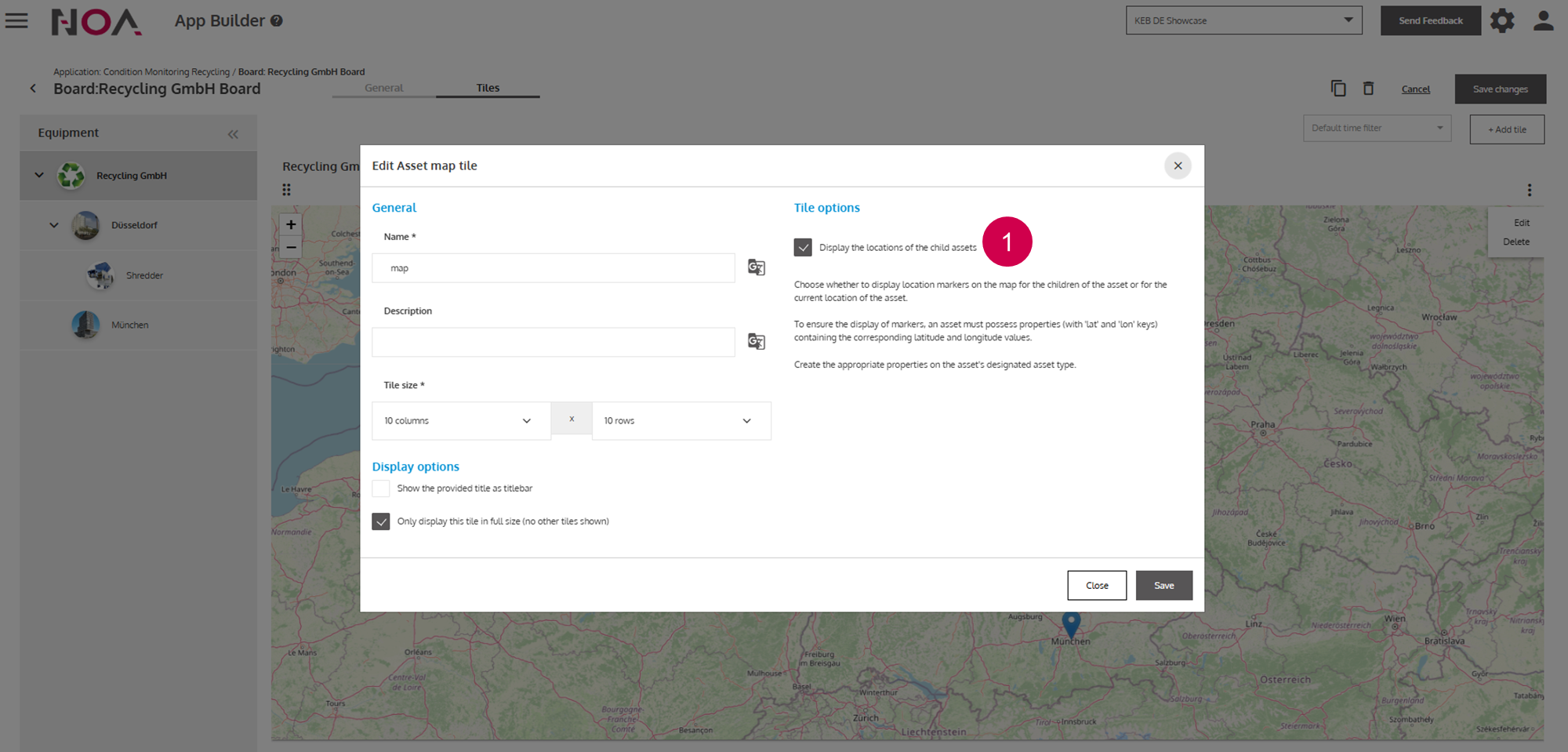
You have the option to switch between displaying the location of the selected
Assetor of itsSubassets.
To use the Asset Map tile, it is required to enter Longitude and Latitude as
Dynamic Properties for the Asset. As explained in the Asset Management,
Dynamic Properties need to be defined in the Asset Types first and then you
can enter them for your Asset of that type.